


50skills + Asana
Automate Asana projects and tasks from your 50skills HR workflows.
What is 50skills?
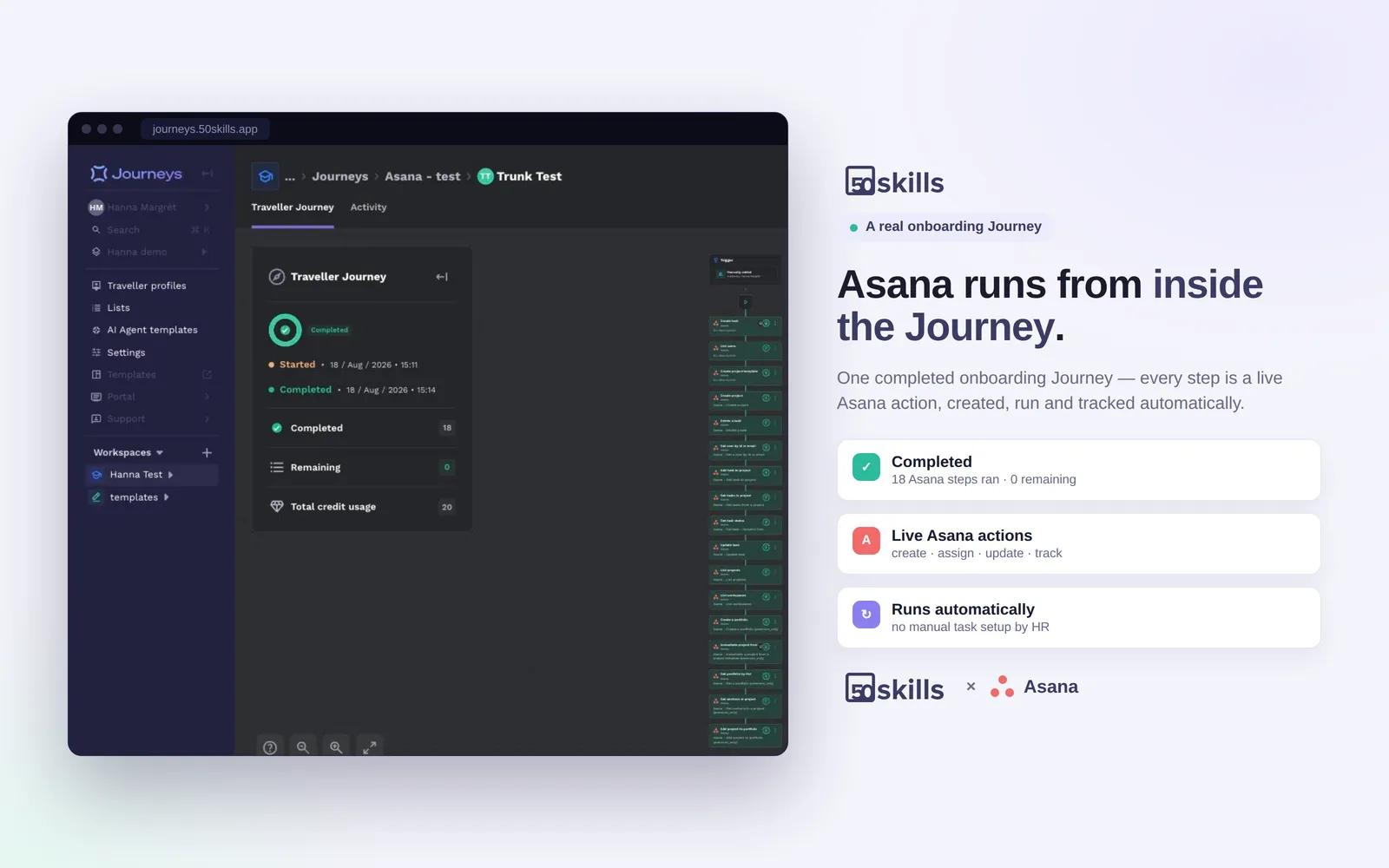
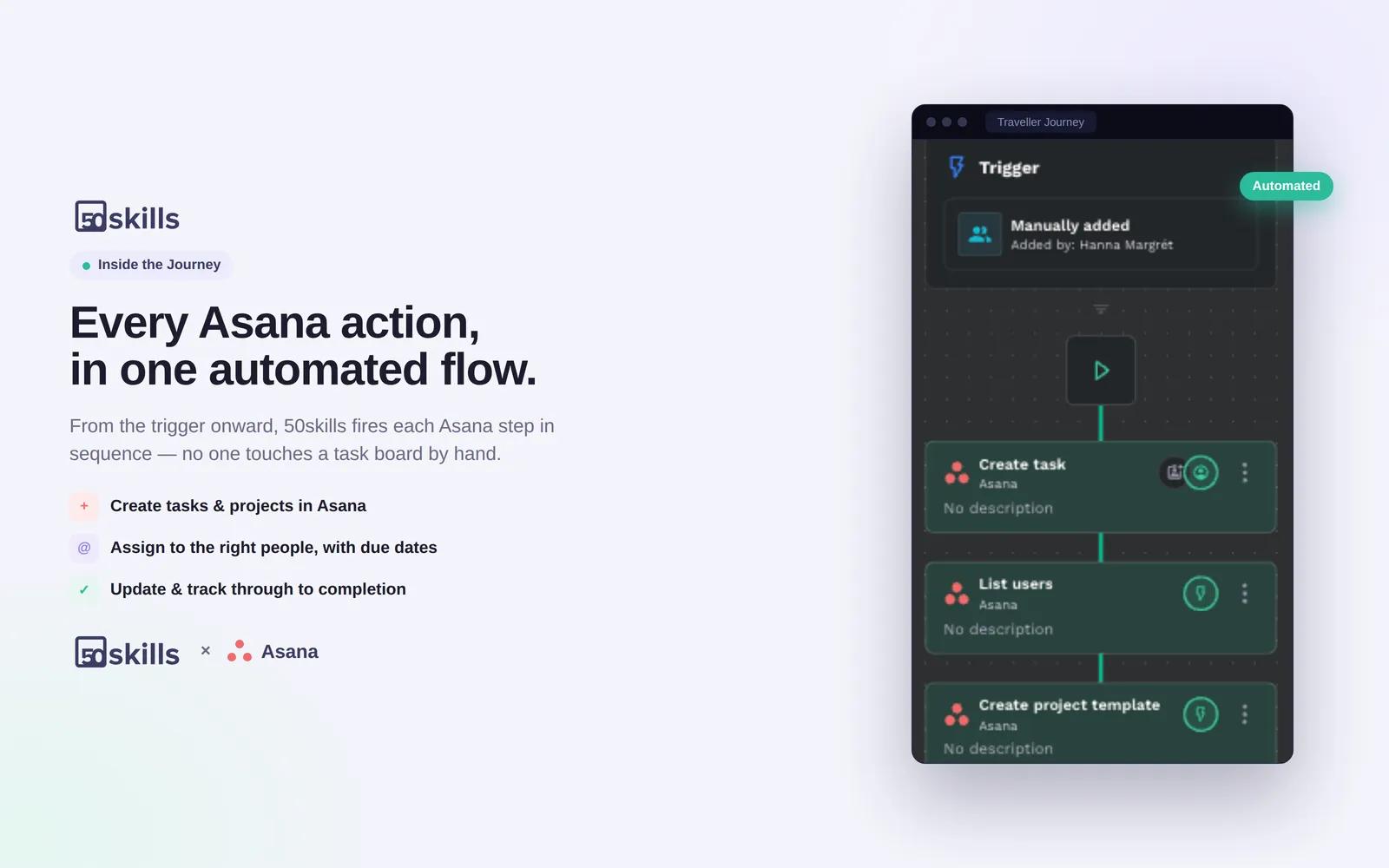
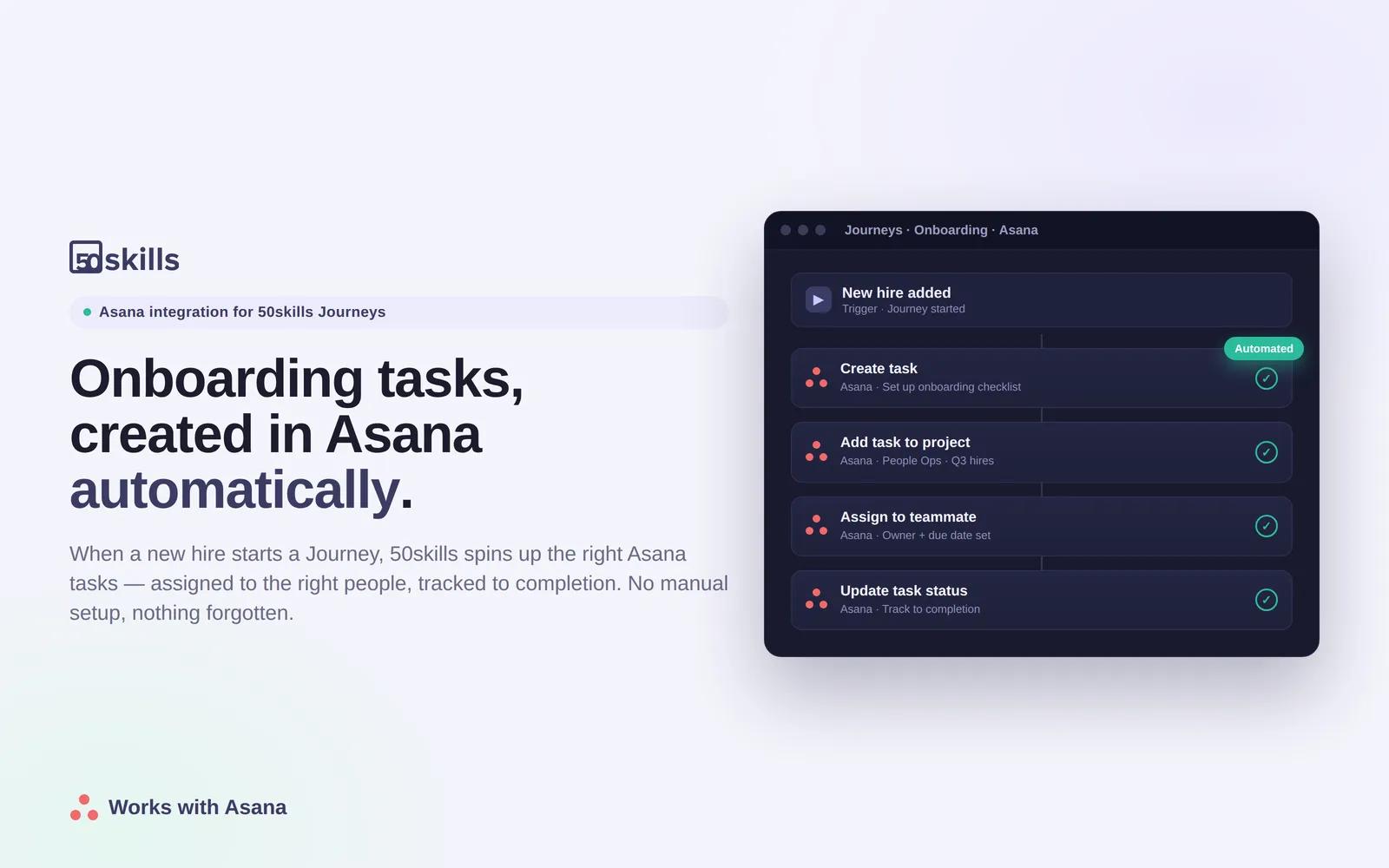
50skills is an AI HR workflow automation platform. If you can describe an HR process, you can automate it. This Asana integration lets your 50skills Journeys create and update projects and tasks, organize them into sections and portfolios, attach files, assign work to users, and spin up projects and tasks from templates — automatically, as employees are onboarded, offboarded, or submit requests. HR teams get their Asana checklists built without manual setup, so they spend less time on admin and nothing falls through the cracks.
How to connect 50skills + Asana?
Prerequisites:
- An Asana account with access to the workspace where you want the work created, and
- A 50skills account with Journeys.
Setup Instructions:
- In a 50skills Journey, add a step and choose the Asana connector (Add action → Apps → Asana).
- The first time, you'll be prompted to connect: click Connect, choose OAuth, and authorize with your Asana account. This grants access to your workspace and all Journeys in your 50skills account, then use that connection.
- Pick an Asana action for the step. For example, Create project, Create task, or Add attachment to task.
- Fill the action's fields using the dropdowns (workspace, project, assignee, due date, and so on). Values can be static or mapped from the employee's Journey data.
- Run or trigger the Journey. The Asana project or task is created automatically as part of your onboarding, offboarding, or employee-request flow, and appears in the selected Asana workspace.
Learn more and get support
To learn more about using the 50skills + Asana integration, visit 50skills.
If you have questions, feedback, or need support, visit the 50skills support page.
Asana does not endorse or certify apps built by third-party developers. If you encounter inappropriate content or behavior, please report it here. Otherwise, please contact the app developer for support.
Collaborate effortlessly with Asana
From the small stuff to the big picture, Asana organizes work so teams know what to do, why it matters, and how to get it done. It's free to get started, simple to use, and powerful enough to run your entire business. Learn more about Asana today.