


Casco + Asana
Turn verified security findings into actionable Asana tasks, and let Casco validate the security reports your team files in Asana.
What is Casco?
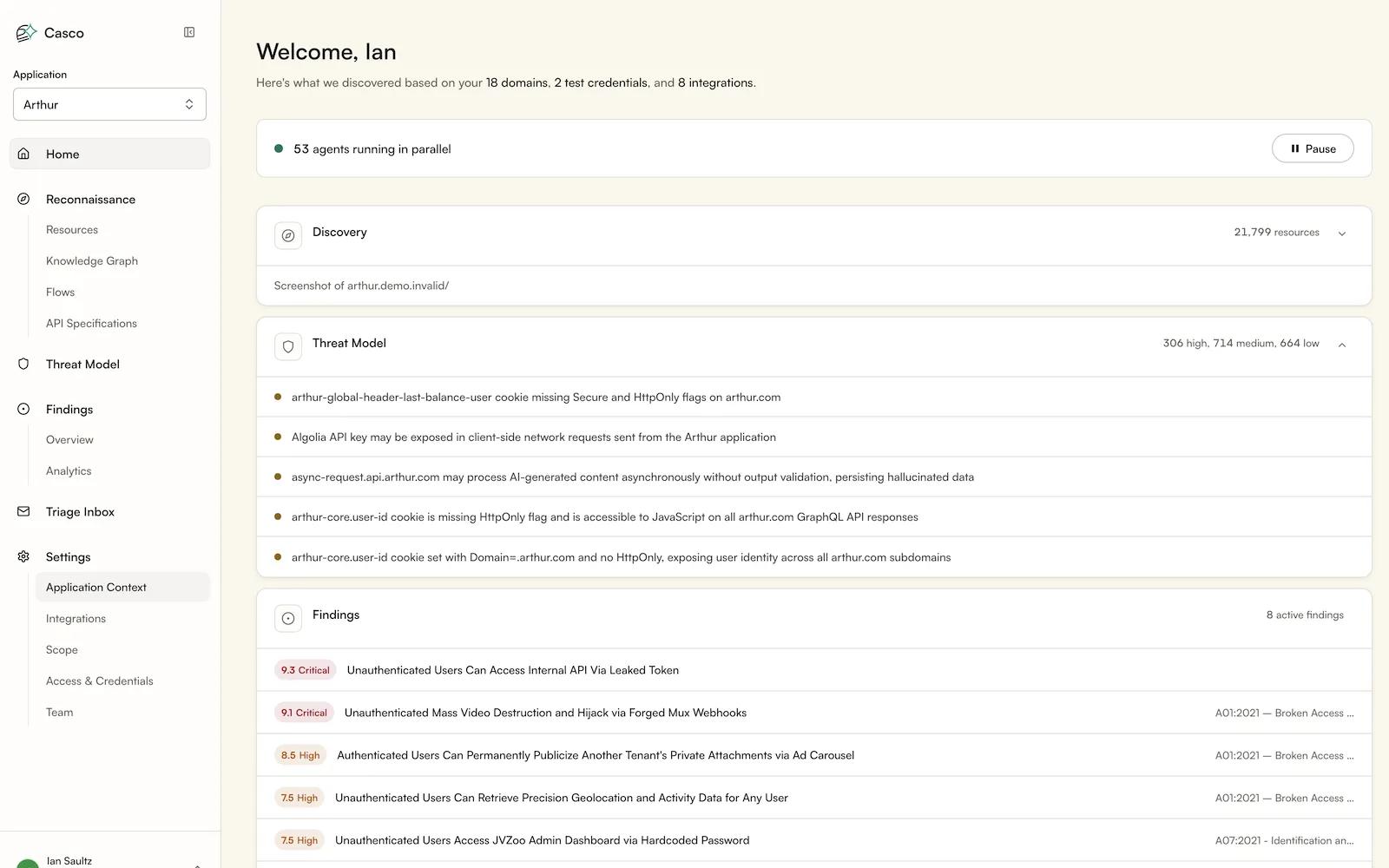
Casco is a continuous security testing platform that finds and verifies vulnerabilities in your applications. Connecting Asana lets your team turn confirmed findings into Asana tasks in the project and section you choose, with severity, evidence, and remediation guidance included. Task status stays in step with the finding, so closing work in Asana is reflected in Casco, and resolved findings don't linger in your backlog. Security and engineering share one queue without anyone copying details between tools. Access is granted per workspace through OAuth and can be revoked at any time from either side.
How to connect Casco + Asana?
Before you start:
You need Asana enabled on your Casco workspace, an onboarded Casco application, and an Asana account that is a full workspace member with Editor access on the boards Casco will use. Casco requests Asana's relevant scope and never exceeds the connected account's own access, and cannot delete tasks.
Setup:
In Casco, go to Settings → Integrations → Asana → Connect, approve in Asana, and choose your workspace. In Configure Asana, pick the project, section, then the project Casco reads reports from, and whether Casco may post result comments or move tasks. Then hit save.
Using it:
On a finding, click "Create or link Asana task". Under Triage → Asana tasks, "Import reports" validates reports filed in Asana, and "Take action → Confirm" writes back.
Learn more and get support
To learn more about using the Casco + Asana integration, visit Casco.
If you have questions, feedback, or need support, visit the Casco support page.
Asana does not endorse or certify apps built by third-party developers. If you encounter inappropriate content or behavior, please report it here. Otherwise, please contact the app developer for support.
Collaborate effortlessly with Asana
From the small stuff to the big picture, Asana organizes work so teams know what to do, why it matters, and how to get it done. It's free to get started, simple to use, and powerful enough to run your entire business. Learn more about Asana today.